Google Slides Template - Sprout: A Practical Asset for Professional Presentations
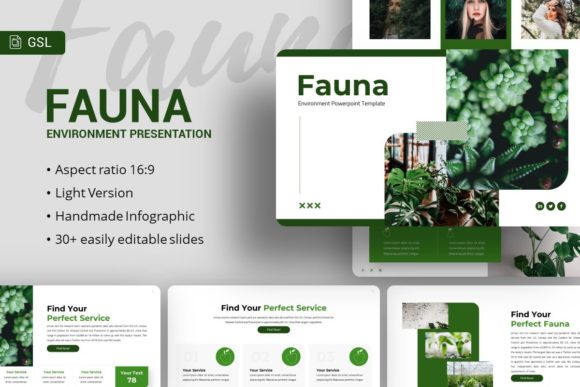
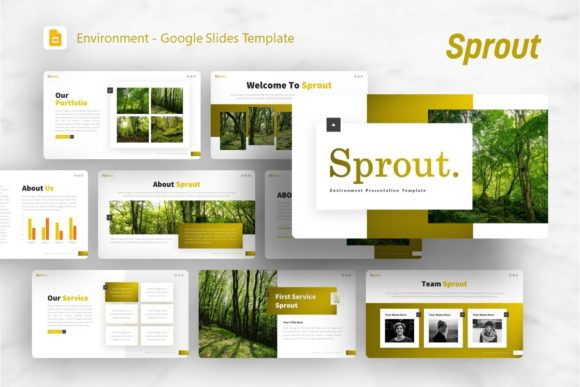
In the landscape of digital presentation tools, finding a balance between aesthetic appeal and functional utility is often a challenge. The Google Slides Template - Sprout emerges as a versatile solution designed to bridge this gap for modern professionals. While originally conceptualized with a focus on organic growth and fresh design elements, its application extends far beyond environmental or botanical themes. This template serves as a comprehensive framework for creative agencies, corporate profiles, startups, and personal portfolios. Its value lies not merely in its visual style but in its structural integrity, offering 36 distinct slides that cater to a wide array of narrative needs without sacrificing consistency.
For entrepreneurs, marketers, and educators, the primary friction point in creating presentations is often the time spent on formatting rather than content strategy. Sprout addresses this by providing a pre-architected visual system. It allows users to bypass the initial design phase and move directly into storytelling. Whether you are preparing a pitch deck for investors or compiling a quarterly business review, the template offers a neutral yet engaging backdrop that enhances readability and retention. Understanding the specific capabilities and realistic limitations of this asset is essential for determining if it aligns with your current workflow and long-term presentation goals.
Core Features and Technical Flexibility
The technical foundation of any presentation template dictates its longevity and ease of use. Sprout is built upon Master Slides, which is a critical feature for maintaining brand consistency across a large deck. When global changes are applied to the master layout—such as updating a logo, changing a color palette, or adjusting font hierarchy—they propagate instantly throughout all 36 slides. This architecture prevents the common issue of "slide drift," where individual slides deviate from the established design system during collaborative editing.
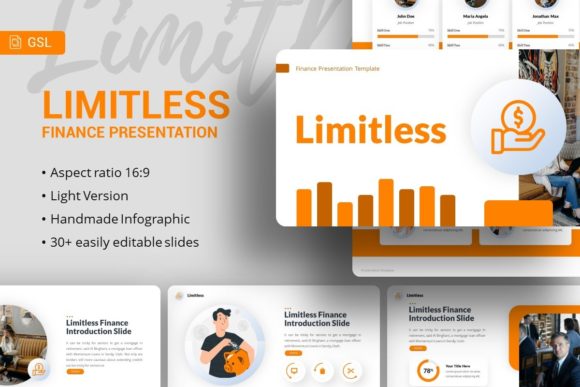
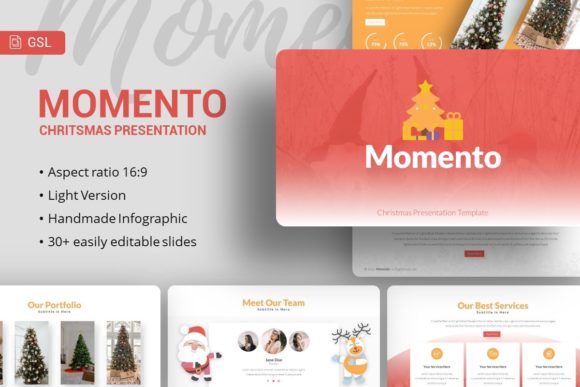
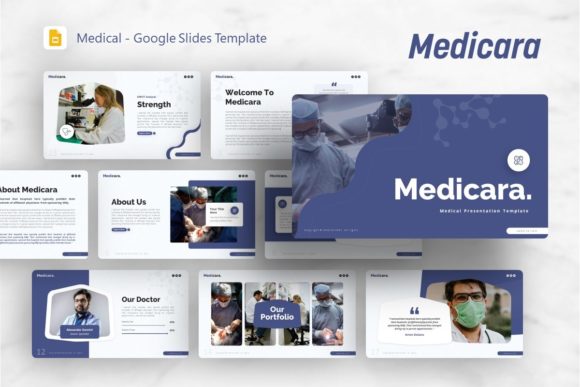
Beyond the structural backbone, the template includes handcrafted infographics specifically designed for PowerPoint and Google Slides environments. Unlike generic chart builders, these graphics are vector-based and fully editable. This means that data visualization is not a static image but a dynamic element that can be resized and recolored without pixelation. For professionals who need to present complex data sets, financial projections, or process flows, having native, editable vectors significantly reduces the reliance on external graphic design software. The inclusion of drag-and-drop picture placeholders further streamlines the customization process, allowing users to swap preview images with their own assets seamlessly while maintaining aspect ratios and masking effects.
Evaluating Real-World Usability Across Sectors
The versatility of the Google Slides Template - Sprout becomes apparent when applied to specific professional contexts. Its design language is clean and unobtrusive, making it suitable for diverse industries. However, its effectiveness varies depending on the user's intent and audience.
- Creative Agencies and Portfolios: For designers and photographers, the template provides ample whitespace and grid-based layouts that let visual work take center stage. The minimalist aesthetic ensures that the portfolio pieces remain the focal point rather than competing with ornate slide backgrounds.
- Startups and Pitch Decks: Investors typically scan decks quickly. Sprout’s structured layouts for problem-solution narratives, market sizing, and team introductions follow standard venture capital expectations. The clean typography aids in rapid information processing, though users should ensure the "organic" vibe aligns with their specific industry vertical.
- Corporate and Business Profiles: In more traditional settings, the template’s professionalism shines through its organized content slides. Timelines, SWOT analysis grids, and service breakdowns are presented clearly. The challenge here may be adapting the softer color palette to match strict corporate branding guidelines, which requires some initial setup time.
- Educators and Non-Profits: The approachable design makes complex topics more digestible for students or donors. Infographics can simplify abstract concepts, and the consistent visual rhythm helps maintain audience engagement over longer sessions.
Quality Assessment and Design Consistency
When evaluating digital assets, quality is defined by attention to detail and reliability under pressure. Sprout demonstrates high production values through its pixel-perfect illustrations and resizable graphics. In practical testing, elements maintain their alignment and proportion even when significant content modifications are made. This resilience is vital for teams where multiple stakeholders might edit the deck simultaneously. The documentation file included with the download serves as an important safeguard, guiding users through less obvious customization options and ensuring that the template’s full potential is accessible even to those with intermediate design skills.
However, users must manage expectations regarding imagery. As noted in the product specifications, all images in the demo are for preview purposes only and are not included in the final files. This is standard industry practice due to licensing restrictions, but it does mean that the out-of-the-box experience will look stark compared to the marketing materials. Professionals should budget time for sourcing high-quality stock photography or preparing their own assets to achieve the polished look demonstrated in the preview. The template provides the vessel, but the visual impact ultimately depends on the media you insert.
Strategic Considerations for Implementation
Adopting the Google Slides Template - Sprout should be viewed as a strategic efficiency measure rather than just an aesthetic upgrade. To maximize return on investment, consider the following practical recommendations:
- Audit Before Customizing: Review all 36 slides before deleting unused ones. You may discover unique layouts for testimonials, comparisons, or data highlights that you hadn't initially considered but could enhance your narrative flow.
- Leverage the Icon Set: The included vector icon note is a valuable resource for breaking up text-heavy slides. Use these icons to create visual anchors that guide the viewer’s eye and reinforce key points without adding cognitive load.
- Test on Multiple Displays: While the template is pixel-perfect, rendering can vary between devices. Always test your final presentation on the actual hardware or projector you will be using to ensure colors and fonts render correctly.
- Establish Brand Overrides Early: Before populating content, update the Master Slides with your organization’s typography and color codes. Doing this at the start prevents rework later and ensures every new slide added adheres to your identity.
Limitations and Audience Fit
No single template is universally perfect, and Sprout has specific boundaries. Its strength in minimalism can be a limitation for organizations requiring dense, data-heavy reporting typical of engineering or financial auditing sectors. The generous whitespace, while aesthetically pleasing, reduces the available real estate for extensive tables or technical schematics. Users in these fields may find themselves fighting the layout rather than working with it. Additionally, the "Sprout" theme implies a certain freshness and modernity; it may feel tonally mismatched for legacy institutions or highly formal legal proceedings unless significantly rebranded.
Furthermore, while the infographics are editable, they are not infinite. Complex data visualizations requiring dynamic linking to spreadsheets or advanced animation sequences may require building custom elements from scratch. The template accelerates the creation of standard business visuals but does not replace specialized data analytics tools. Understanding these constraints helps prevent frustration and ensures the tool is used within its optimal performance envelope.
Making the Final Decision
Ultimately, the Google Slides Template - Sprout represents a solid investment for professionals who prioritize clarity, speed, and modern aesthetics. It is particularly well-suited for freelancers, small business owners, and agency teams who need to produce high-quality collateral without a dedicated in-house designer. The combination of 36 varied slides, master-slide architecture, and editable vector assets provides a robust toolkit that pays dividends in saved hours and elevated perception.
For those whose primary goal is to communicate ideas effectively with a polished, professional veneer, Sprout delivers reliable results. It removes the technical barriers to good design, allowing creators to focus on what matters most: the message itself. By approaching this template as a flexible system rather than a rigid format, users can adapt it to serve everything from intimate client pitches to broad public showcases, securing long-term value across multiple projects and campaigns. If your workflow demands agility and your audience appreciates clean, contemporary design, Sprout warrants serious consideration as a staple in your presentation arsenal.