International Internship Bundle: Streamlining App Design and Onboarding Workflows
Designing a mobile application for international internships requires balancing complex logistical information with an inviting, user-friendly interface. The International Internship Bundle serves as a comprehensive design asset library specifically curated to bridge the gap between program administration and user experience. Rather than starting from a blank canvas, product designers, HR tech developers, and educational marketers can leverage this collection to visualize the entire intern journey. This bundle is not merely a set of graphics; it is a structural framework that supports the planning, prototyping, and final execution of internship management platforms.
In the broader context of digital product development, this bundle fits into the critical pre-development and UI definition phases. It addresses specific pain points in creating cross-cultural onboarding experiences where clarity is paramount. By utilizing pre-designed app screens and placement walkthrough graphics, teams can validate concepts with stakeholders before committing to expensive custom development. This approach reduces friction during the discovery phase and ensures that the final product aligns with both user expectations and technical feasibility.
Visualizing the Intern Placement Walkthrough
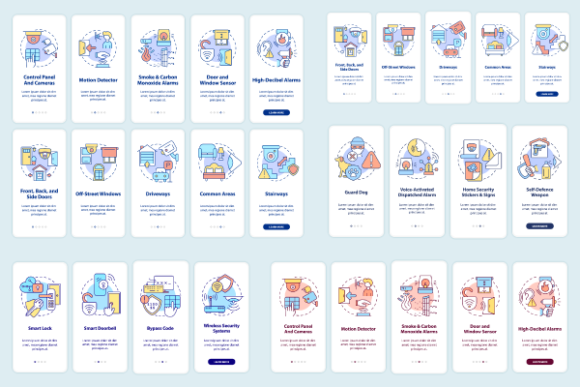
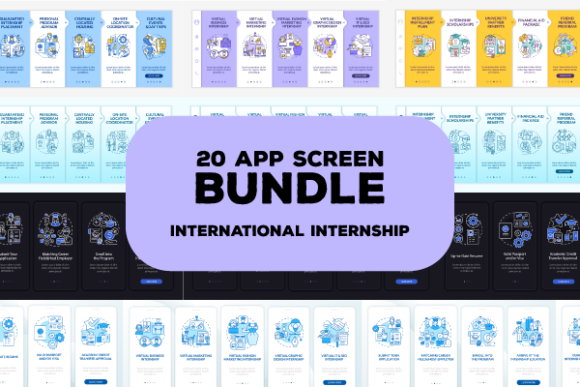
The most complex aspect of any international internship app is the placement process itself. Users must navigate visa requirements, housing options, cultural orientation, and role matching. The International Internship Bundle includes dedicated graphic instructions and concept illustrations that demystify these steps. These assets are designed to function as visual anchors within the user interface, guiding interns through multi-stage workflows without overwhelming them with text.
When implementing these walkthrough graphics, consider the cognitive load of your target audience. International interns are often processing information in a second language while managing high-stress relocation tasks. The vector templates provided in this bundle utilize universal iconography and clean linear styles that transcend language barriers. Designers can integrate these step-by-step visuals directly into the onboarding flow to create a sense of progression and accomplishment. This visual scaffolding helps reduce support tickets and improves completion rates for essential pre-departure tasks.
Adapting Linear Night and Day Mode Illustrations
Modern mobile applications must accommodate diverse usage environments, especially for users traveling across time zones. The inclusion of linear night and day mode illustrations within the International Internship Bundle allows designers to prototype adaptive interfaces efficiently. Dark mode is not simply an aesthetic preference; it is a functional necessity for interns checking updates during long-haul flights or late-night adjustments to new schedules.
Implementing these dual-mode assets requires a systematic approach to color tokenization. When working with the SVG or AI files, establish a global style guide that maps light and dark variants to semantic color names rather than hard-coded hex values. This ensures consistency across all app screens when toggling between modes. The linear style of these illustrations maintains legibility at small sizes and scales perfectly for high-density displays, ensuring that critical information remains accessible regardless of the user's lighting conditions or device settings.
Technical Integration and File Format Versatility
A major advantage of the International Internship Bundle is its compatibility with standard professional design workflows. The availability of JPEG, AI, PNG, EPS, and SVG formats ensures seamless integration whether you are working in Figma, Adobe Illustrator, Sketch, or web development environments. Vector formats like SVG and EPS are particularly valuable for responsive design, allowing graphics to scale without loss of quality across different mobile breakpoints and tablet layouts.
For marketing teams and content creators, the raster formats (JPEG and PNG) provide ready-to-use assets for brochures, social media campaigns, and pitch decks. This versatility means the same visual language used in the app can be extended to external communications, maintaining brand consistency across touchpoints. When organizing these assets, create a centralized library with clear naming conventions that reference both the screen function and the file type. This organizational discipline prevents version control issues and accelerates the handoff process between design and development teams.
Enhancing Onboarding Mobile App Page Screens
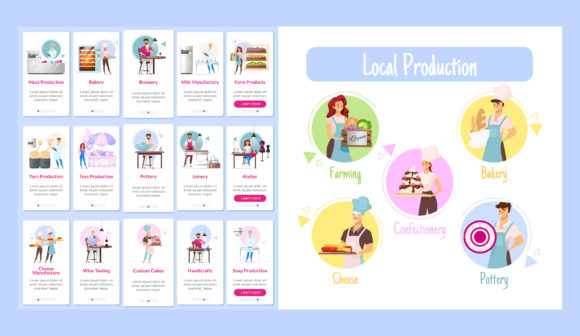
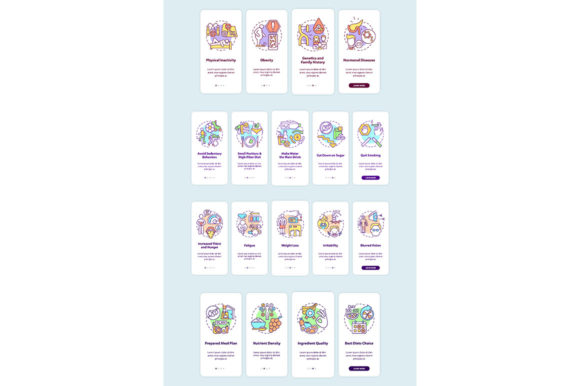
Onboarding sets the tone for the entire internship experience. The app screen pages included in this bundle focus specifically on first-run experiences, profile setup, and initial engagement metrics. These screens are structured to capture essential data while keeping the user motivated. Instead of treating onboarding as a generic form-filling exercise, use these templates to craft a narrative that welcomes interns into a global community.
Practical implementation involves customizing these base screens to reflect specific program requirements while retaining the proven UX patterns embedded in the template. For example, the profile creation screens can be adapted to include visa document uploads or emergency contact fields without disrupting the visual hierarchy. The pre-established grid systems and spacing guidelines ensure that even heavily modified screens retain a polished, professional appearance. This balance of structure and flexibility is what makes the bundle a practical tool for rapid iteration.
Strategic Application Across Project Phases
The utility of the International Internship Bundle extends beyond initial app design. It serves as a valuable resource throughout the product lifecycle, from stakeholder presentations to post-launch updates.
- Pre-Purchase and Planning: Use the app screens to create interactive prototypes for investor pitches or internal approval processes. Visualizing the end product helps secure buy-in by making abstract features tangible.
- Development and QA: Reference the GUI vector templates as a source of truth during front-end implementation. Developers can use the assets to verify spacing, typography, and icon alignment against the original design intent.
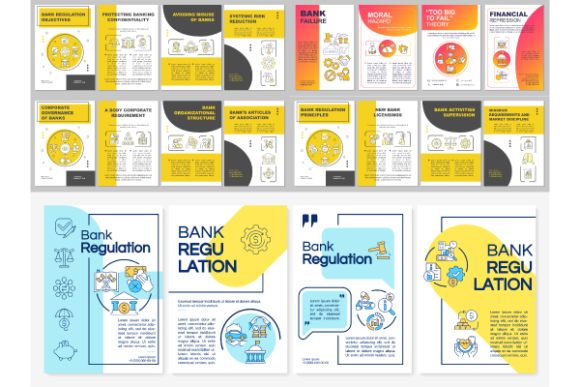
- Marketing and Sales: Leverage the infographic elements and brochure templates to create promotional materials that accurately reflect the actual user experience. Authenticity in marketing builds trust with prospective interns and partner organizations.
- Education and Training: Utilize the placement walkthrough graphics to create supplementary training materials for program coordinators. Consistent visuals help staff understand the user journey and provide better support.
Maintaining Quality and Consistency at Scale
As internship programs grow, maintaining design consistency becomes increasingly challenging. The International Internship Bundle provides a foundational design system that scales with your organization. By standardizing on these templates, teams avoid the visual fragmentation that often occurs when multiple designers work on different features simultaneously. This consistency is crucial for building user trust and reducing cognitive friction.
Quality control should be integrated into the customization process. Establish review checkpoints where modified assets are compared against the original bundle standards to ensure adherence to accessibility guidelines and brand identity. Pay particular attention to contrast ratios in night mode illustrations and touch target sizes in interactive app screens. The bundle provides the raw materials for excellence, but disciplined application ensures those materials translate into a superior user experience.
Optimizing Workflow Efficiency with BSD Studio Assets
Time is often the most constrained resource in digital projects. Count on us in search for icons, brochure templates, infographic elements, mobile app screen pages, and so much more. Find what you need in our shop to make sure you are saving time on design work while keeping up top quality. BSD studio provides a variety of products, topics, and file types so that there’s always something new to support evolving project needs.
Integrating the International Internship Bundle into your workflow is an investment in efficiency. It eliminates the need to reinvent common UI patterns and allows creative energy to focus on unique value propositions rather than foundational layout construction. Whether you are a freelancer delivering a client project, an educator designing a study abroad platform, or a startup founder building the next generation of global talent mobility tools, these assets provide a reliable starting point. By leveraging professionally crafted templates, you ensure that your final deliverable meets industry standards while significantly reducing production timelines.
Ultimately, successful international internship apps depend on clear communication and intuitive navigation. This bundle equips creators with the visual vocabulary necessary to achieve those goals. Through thoughtful implementation of placement walkthroughs, adaptive interface illustrations, and standardized app screens, teams can build digital experiences that truly support interns in their global journeys. The combination of practical utility and aesthetic refinement makes this collection an essential component of any serious internship technology stack.